
The DCX Community Center is a shared workspace available for DCX team members to collaborate, meet in person, and work from a central location in the Philippines when needed. It is designed to support both day-to-day work and more intentional team activities such as planning sessions, meetings, and team-building. Not only is this center for our team members to take advantage of, it is also for our clients. We want our clients to use this space as a resource for their dedicated DCX team members!
Location: 5F Tower 1 Clark City Front Mall
What You Can Use It For
The Community Center is built to support a variety of team needs, including:
- Working onsite in a fresh, focused environment
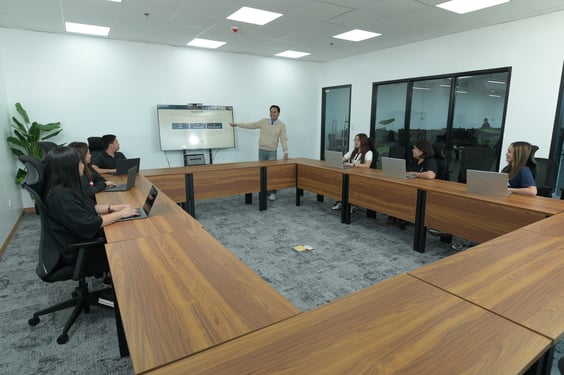
- Hosting in-person team meetings
- Brainstorming sessions and planning workshops
-
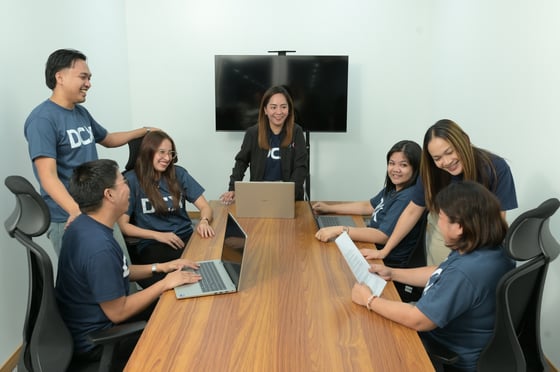
Team-building activities and celebrations
- Casual team hangouts and connection time
- A reliable workspace during power or internet disruptions
Facilities & Equipment
The Community Center includes:
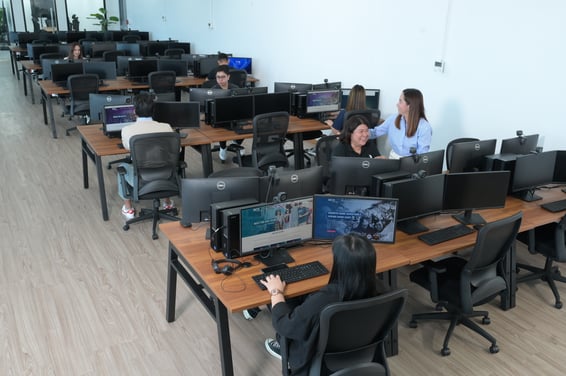
- Seating capacity for up to 100 individuals
- 30 desktop workstations with peripherals
-
Ability to use laptops
- Standard applications installed on desktops
- Conference rooms (webcams not currently available)
- Onsite IT and facilities support
Hours of Operation
- Open daily
- Available during midshift through overnight shift
- Staff support available during operating hours
Internet & Power
- Shared internet connection (performance may vary)
-
Backup support available in the event of power interruptions
Additional Notes
- Space is limited and subject to availability
How to Book:
Early booking is recommended, email your DCX Customer Success Manager to book the space for your team.
A dedicated booking system is currently in development and will replace the manual email process once available.